Create with Dreem Agent
Dreem Team · July 11, 2026
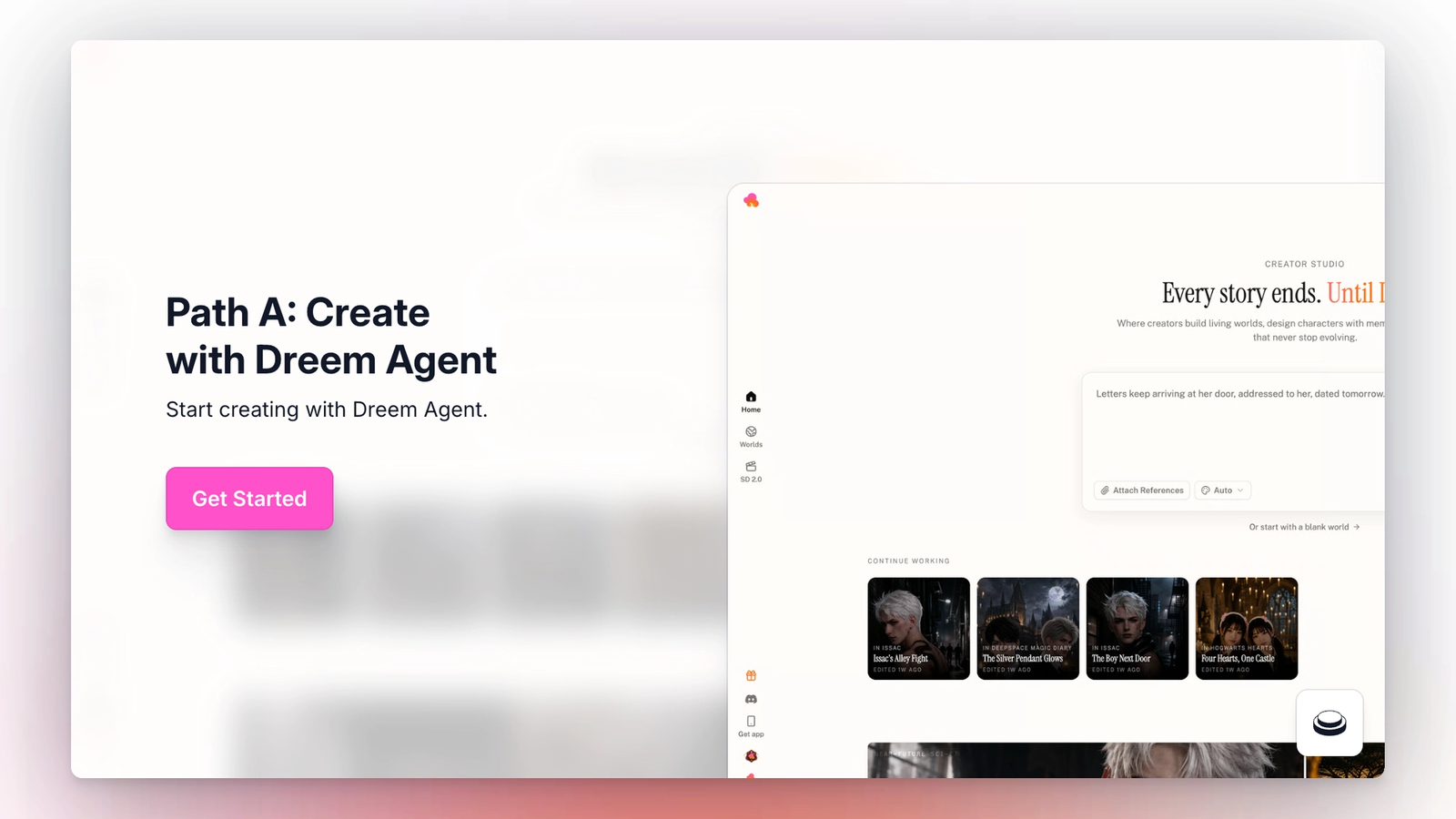
Do not have existing footage, character designs, or scripts? Start creating with Dreem Agent. The creator types a short description of the story, and the Agent generates the World, characters, locations, and initial story script. This chapter covers how to prompt the Agent, choose a visual style, and understand what the Agent produces.
Creators who want to upload their own material should follow Chapter 3: Path B instead. Both paths can be combined later.
How the Agent works
The Agent reads the prompt in the input box and expands it into four things: a world specification, a cast of characters, a set of locations, and a first draft of a story script. This process takes about one minute.
The Agent uses two signals to decide what to build. The first is the text prompt itself. The second is any style selection made below the input box. Everything the Agent produces can be edited afterward. There is no lock-in.
Writing a prompt
A single sentence is enough to start. The prompt should describe the core situation of the story, not the plot in detail. Examples of prompts that work: "A love story of a werewolf." "Every night at 3:17 the same number calls. Tonight you pick up." "Letters keep arriving at her door, addressed to her, dated tomorrow."
Longer prompts are supported, up to 30,000 characters. Longer prompts give the Agent more context but do not guarantee better output. If the prompt gets long enough to include specific character names, backstories, or plot beats, Path B may be a better fit.
Selecting a visual style
The style dropdown sits below the input box, next to Attach References. It defaults to Auto, which lets the Agent choose. The other options are Anime, Realistic, Cyberpunk Neon, Y2K Retro, 3D Toon, Film Grain, Cinematic, and Pixar.
Style selection affects every character, location, and video generated by the Agent for this World. It can be changed later, but changing it after generation requires regenerating existing assets.
What happens after Create
Clicking Create opens the Agent's build screen. Four steps appear on screen with progress indicators: Understanding your world, Casting characters, Mapping locations, Outlining the story. Each step completes on its own. The full process takes about a minute.
When the Agent finishes, the World opens automatically. From that point, editing follows the same flow as any other World, covered in Chapter 4: World Builder.